Balance
Shows the balance of one or more selected accounts in a chosen commodity, along with how that balance changed over the selected period.
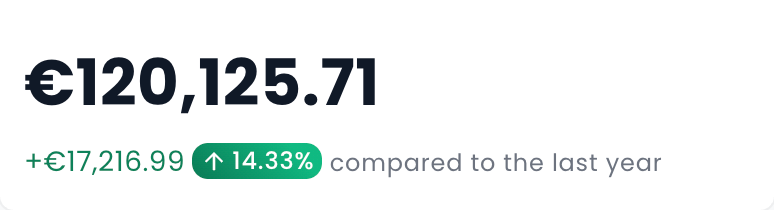
Example Use Cases
- See the current balance of a checking or savings account on a dashboard
- Track how much an expense category changed this month
- Show a liability balance and its change for the selected period
Settings
- Accounts - Chooses which accounts are included in the balance.
- Use global commodity - When on, the widget uses the commodity set for the page. When off, you pick a commodity for this widget.
- Commodity - The commodity used to express balances. Shown only when Use global commodity is off.
- Include historical data - When on, shows historical balances by including postings from before the report start date. When off, shows only the change during the selected period.
- Use global date - When on, the widget follows the date set for the page. When off, you can set a date for this widget.
- Date - The date used for the balance. Shown only when Use global date is off.
- Use dynamic title - When on, the widget title is generated from the account type and selected period instead of the name you gave the widget. Shown only when a single account is selected and Use global date is on.
- Filter by description - Limits the balance to postings whose description matches the text you enter.
- Filter by tags - Limits the balance to postings that match the selected tags.
- Advanced expression - An optional hledger advanced expression for more precise control over which postings are included.
- Pricing - Controls how amounts are converted when pricing is needed.
- Price Evaluation Time - Chooses when market prices are applied for conversion.
- Infer market prices - When on, missing prices may be inferred from other available price information.